Disclosure: This article may contain affiliate links. If you purchase through certain links, I may earn a commission at no additional cost to you.
Introduction
After installing WordPress and setting up your essential plugins, your next step is choosing a theme.
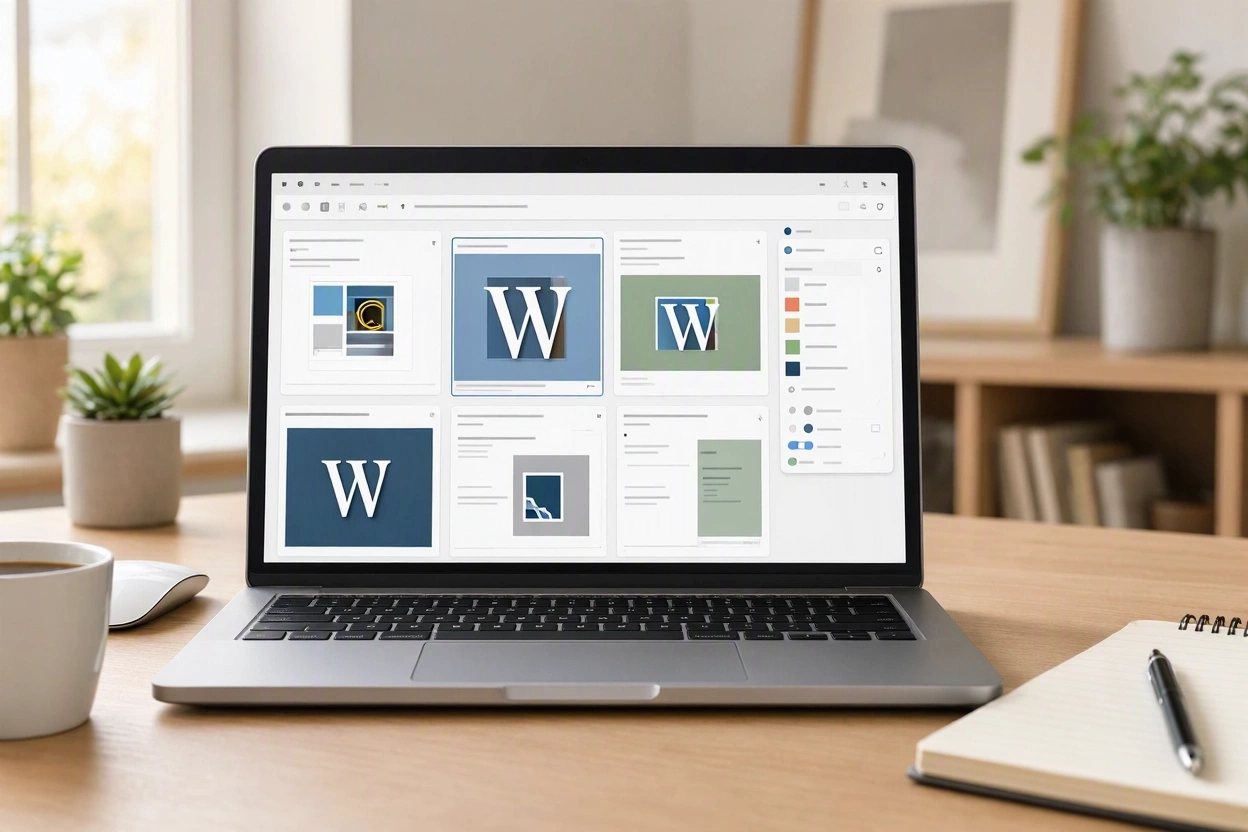
A WordPress theme controls the appearance, layout, and overall design of your website. It determines how your content is displayed and how visitors experience your site.
The good news is that you don’t need an expensive theme to build a professional-looking website. Many successful websites use simple, fast, and well-designed themes.
In this guide, you’ll learn how to choose the right WordPress theme and avoid common beginner mistakes.
What Is a WordPress Theme?
A WordPress theme controls:
- Website layout
- Colors
- Fonts
- Navigation menus
- Mobile responsiveness
- Overall design
Think of WordPress as the engine and the theme as the body and paint job.
You can change themes without losing your content.
📘 Related Guide
How to Install WordPress on Your Hosting Account
Before choosing a theme, make sure WordPress is installed and ready to use. Read the Guide →
What Makes a Good Theme?
Beginners often choose themes based only on appearance.
Instead, look for themes that are:
✅ Fast
✅ Mobile-friendly
✅ Easy to customize
✅ Regularly updated
✅ Compatible with popular plugins
✅ Well-reviewed
A simple fast theme will usually outperform a flashy theme packed with unnecessary features.
Why Speed Matters
A slow theme can negatively affect:
- User experience
- Search rankings
- Conversions
- Page speed scores
Choose themes designed with performance in mind.
Fast websites keep visitors engaged and improve your chances of ranking in search results.
Free vs Premium Themes
Free Themes
Benefits include:
- No upfront cost
- Easy to install
- Suitable for most beginners
Popular free themes:
- Astra
- GeneratePress
- Kadence
- Neve
Premium Themes
Benefits include:
- Additional customization options
- More templates
- Enhanced support
Many website owners start with a free theme and upgrade later if needed.
Best Theme Types for Beginners
Blog Websites
Choose clean themes that make content easy to read.
Business Websites
Choose professional themes that focus on trust and credibility.
Affiliate Marketing Websites
Choose lightweight themes optimized for speed and content.
Content Websites
Focus on readability, navigation, and internal linking.
📘 Affiliate Website Guide
How to Start an Affiliate Marketing Website
Learn how to build a website designed to generate affiliate income over time. Read More →
Themes I Recommend for Beginners
Astra
Popular for:
- Speed
- Ease of use
- Beginner-friendly design
GeneratePress
Popular for:
- Performance
- Simplicity
- Flexibility
Kadence
Popular for:
- Modern design
- Easy customization
- Fast loading speeds
Neve
Popular for:
- Mobile responsiveness
- Quick setup
- Simple user interface
You don’t need all four. Pick one and start building.
How to Install a WordPress Theme
Step 1
In WordPress, go to:
Appearance → Themes
Step 2
Click:
Add New Theme
Step 3
Search for the theme by name.
Step 4
Click:
Install
Step 5
Click:
Activate
Your new design will now be active.
Common Theme Mistakes
Choosing Appearance Over Performance
A beautiful theme isn’t helpful if it’s slow.
Changing Themes Frequently
Constantly switching themes can waste time.
Over-Customizing Too Early
Many beginners spend weeks adjusting colors and layouts instead of publishing content.
Installing Nulled Themes
Never download pirated themes.
These often contain security risks and malicious code.
Focus on Content First
Your visitors come for information, not fancy design effects.
A simple website with great content will usually outperform a beautiful website with weak content.
Don’t get trapped in endless redesigns.
Launch your website and start publishing.
📘 WordPress Plugins Guide
Essential WordPress Plugins for New Websites
Install the plugins that improve SEO, security, backups, speed, and functionality. Read the Guide →
📘 Website Building Guide
How to Build Your First Website with WordPress
Follow the complete beginner roadmap from setup to publishing your first content. Read the Guide →
📘 Hosting Guide
How to Choose the Best Web Hosting for Beginners
Learn which hosting features matter most and compare beginner-friendly providers. Read the Guide →
Final Thoughts
Choosing a WordPress theme is important, but it shouldn’t stop you from launching your website.
Focus on:
- Speed
- Simplicity
- Mobile responsiveness
- Ease of use
Astra, GeneratePress, Kadence, and Neve are all excellent choices for beginners.
Pick one, customize it enough to fit your brand, and then shift your attention to creating helpful content.
The fastest way to grow a website is to publish valuable content, not spend months tweaking design settings.
Continue Your Website Building Journey